| < Back to Posting Tips Collection |
|
|
| Refer "Online Checking of Latest Time of Posting" Usage Guide |
|
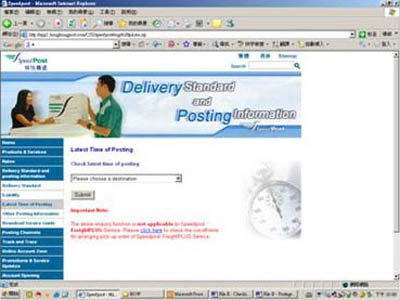
| For enquiry of the latest time of posting for using Speedpost, simply get access of the Speedpost website and refer to the following steps, you are able to know the latest time of posting for different destinations. |
|
|
|
|
|
|
|
|
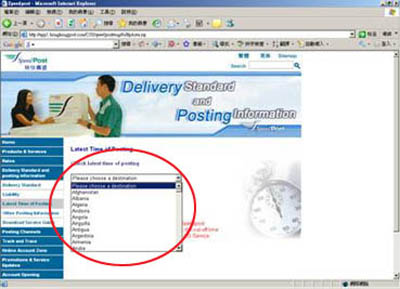
Select [Destination] |
|
|
 |
|
|
|
|
|
|
|
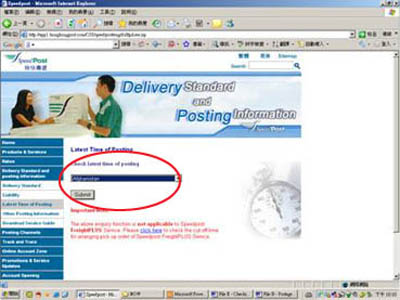
Click [Submit] |
|
|
 |
|
|
|
|
|
|
|
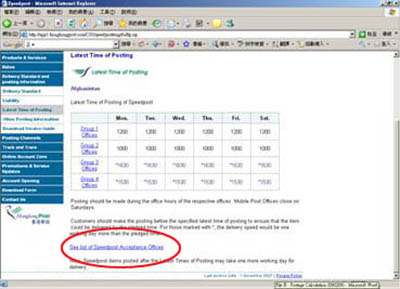
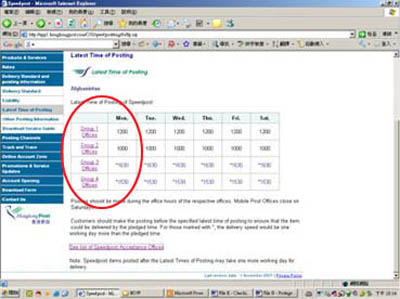
Click "See list of Speedpost Acceptance Offices" to refer the group number for the acceptance office in different district |
|
|
 |
|
|
|
|
|
|
|
Click "Group Offices" to refer the office hours of respective acceptance office |
|
|
 |
|
|
|
|